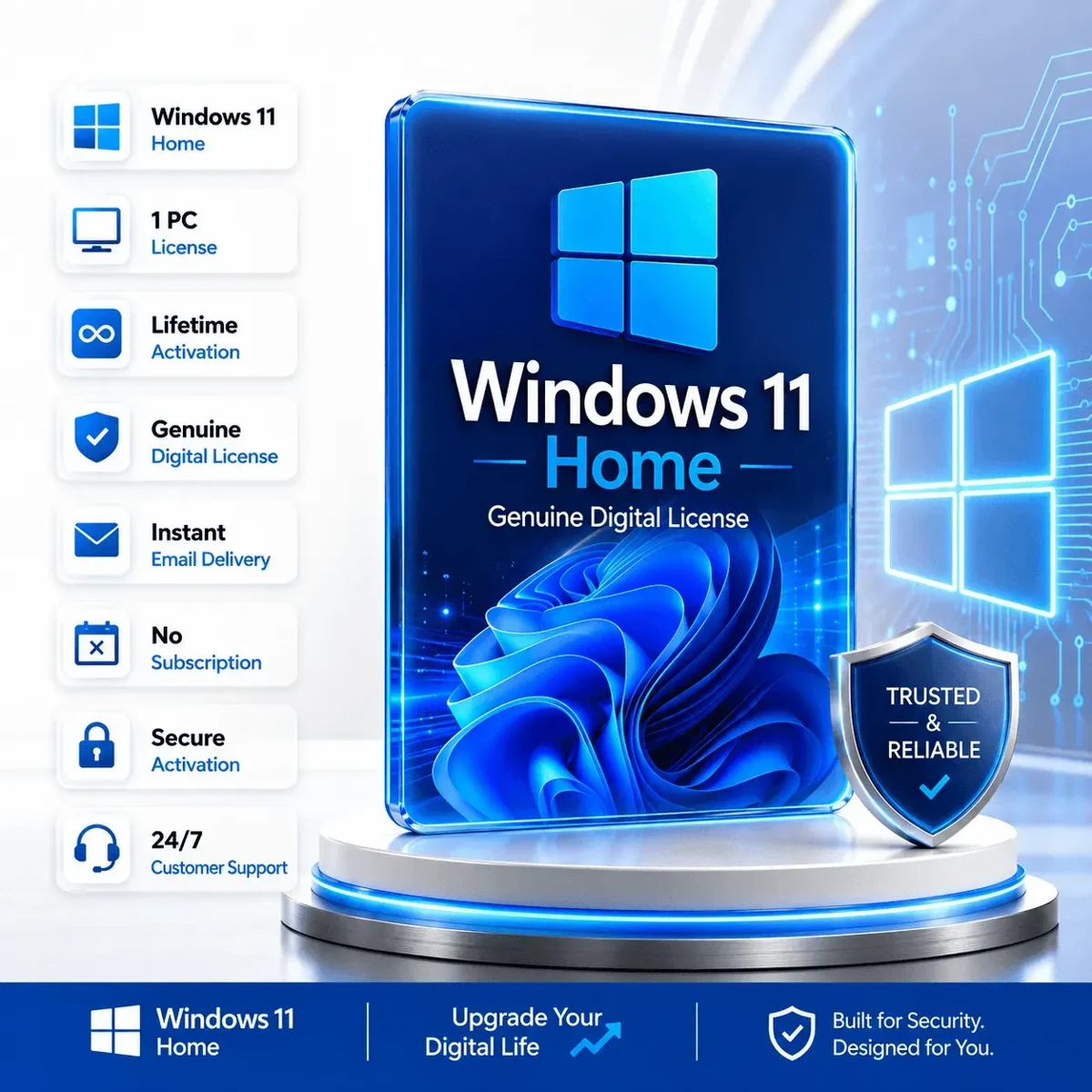
Windows 11 Home
Everyday browsing, study and gaming
1 PC · OEM
OEM licenses are generally tied to the first PC. Check hardware eligibility before purchase.
View at SoftwareKeep ↗Start with the edition already installed on your PC. Home covers everyday tasks; Pro adds management and remote-work features. An edition upgrade is a different purchase from a full license for an unlicensed computer.
Start the guided finder →Before choosing: open Settings → System → Activation. Record the edition and status, then check Windows 11 hardware compatibility.
Read the Windows 11 buying guide →
Product images below are SoftwareKeep listing artwork. Open the store for current prices, availability and purchase terms.
Everyday browsing, study and gaming
1 PC · OEM
OEM licenses are generally tied to the first PC. Check hardware eligibility before purchase.
View at SoftwareKeep ↗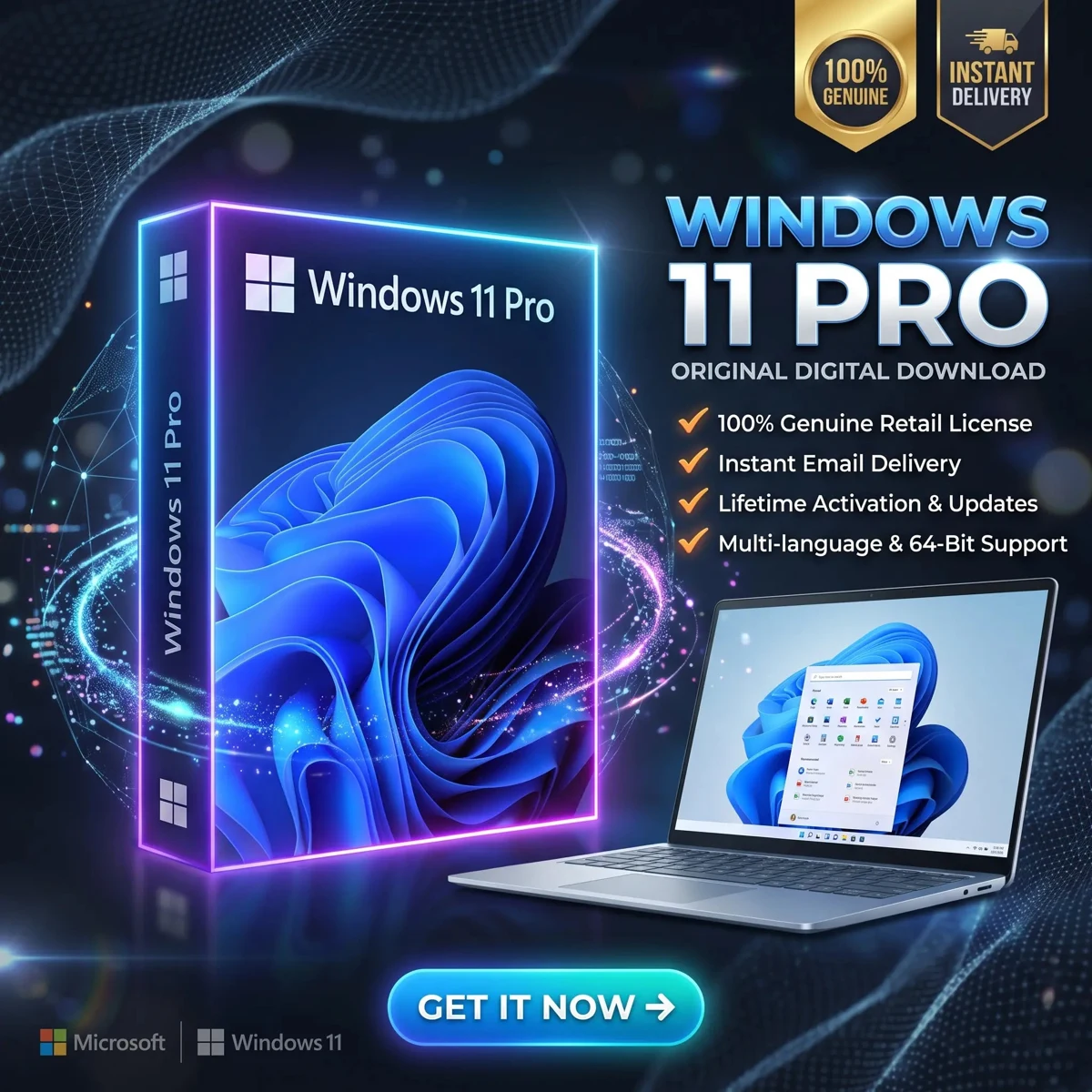
Work PCs that need Pro features
1 PC · OEM
For a new license on a compatible PC. OEM transfer rights are restricted; review the listing terms.
View at SoftwareKeep ↗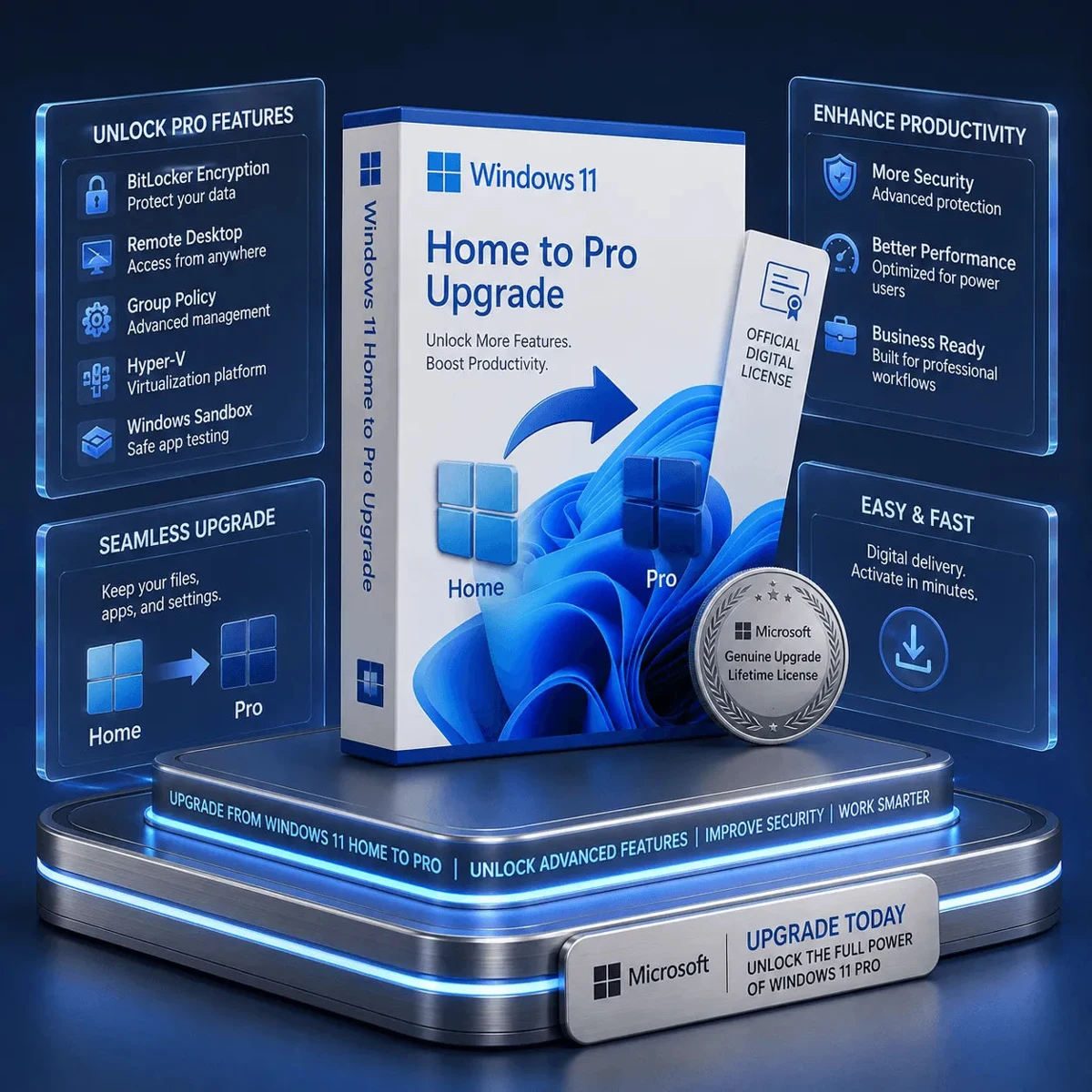
An existing activated Windows 11 Home PC
1 PC · Upgrade
This is an edition upgrade, not a base Windows license for an unlicensed PC.
View at SoftwareKeep ↗Choose Windows 11 Home for everyday PC use. Choose Pro when you need Pro-specific work features. If your PC already has activated Windows 11 Home, consider a Home-to-Pro upgrade instead of buying another full Windows license.
Read the mixed-device office purchase checklist to organize editions, devices, cores and access requirements in one place.
Have a question? Visit the software FAQ.