Which option fits?
Choose Windows 11 Home for everyday PC use. Choose Pro when you need Pro-specific work features. If your PC already has activated Windows 11 Home, consider a Home-to-Pro upgrade instead of buying another full Windows license.
Find my Windows 11 option →Compare the differences
| What you need | Windows 11 Home | Windows 11 Pro |
|---|---|---|
| Browsing, study and gaming | Suitable for everyday use | Also suitable; extra work features may be unnecessary |
| Remote Desktop hosting | Cannot host Microsoft Remote Desktop sessions | Can host Remote Desktop sessions |
| Managed work identity | Does not offer the same domain-join features as Pro | Supports domain join and Microsoft Entra join |
| BitLocker management | Some eligible devices offer device encryption | Includes BitLocker Drive Encryption features |
| Already activated on this PC | Keep Home if its features meet your needs | No new Windows purchase is indicated if activated Pro meets your needs |
Check what you already own
Open Settings → System → Activation and note both the edition and activation status. A PC that is already activated may not need a new Windows license. This check is especially useful before buying software for a recently purchased laptop or a refurbished desktop.
For activated Windows 11 Home, the upgrade listing changes the edition on the same PC. It does not supply a base Windows license for a new or unlicensed computer. Select your current edition in the finder so it can distinguish these situations.
Choose by the features you actually use
A work laptop does not automatically need Pro merely because you use it for business. Ask your employer whether the PC must join a managed domain or host incoming Remote Desktop sessions. If your requirements are browsing, email and Office documents, start with those needs rather than the edition name.
Remote Desktop hosting is different from using a PC to connect to another computer. Home can act as a client to connect to a supported host. Check which side of the connection you need before choosing an edition.
Check hardware and license type separately
The Windows edition does not establish whether an older PC meets Windows 11 hardware requirements. Check Microsoft’s compatibility information before purchasing. Also read the offered license channel: the OEM listings in this finder generally have transfer restrictions tied to the original PC.
If you also need Word, Excel or Outlook, compare a Windows-and-Office bundle. If Office is already licensed on the PC, a Windows-only purchase may be the more appropriate setup.
Explore the Windows 11 collection →
Matching SoftwareKeep listings
Browse the stated editions and pack sizes. Each link opens its product listing.
Current prices and stock load from SoftwareKeep. You can also open any listing directly.
Windows 11 Home
Everyday browsing, study and gaming
1 PC · OEMView current price at store
Check the current listing for stockView Windows 11 Home
Windows 11 Pro
Work PCs that need Pro features
1 PC · OEMView current price at store
Check the current listing for stockView Windows 11 Pro
Windows 11 Home → Pro Upgrade
An existing activated Windows 11 Home PC
1 PC · UpgradeView current price at store
Check the current listing for stockView Windows 11 Home → Pro Upgrade
Windows 11 Home + Office Home & Business 2024
One PC needing Windows and Office with Outlook
1 PC · Windows + OfficeView current price at store
Check the current listing for stockView Windows 11 Home + Office Home & Business 2024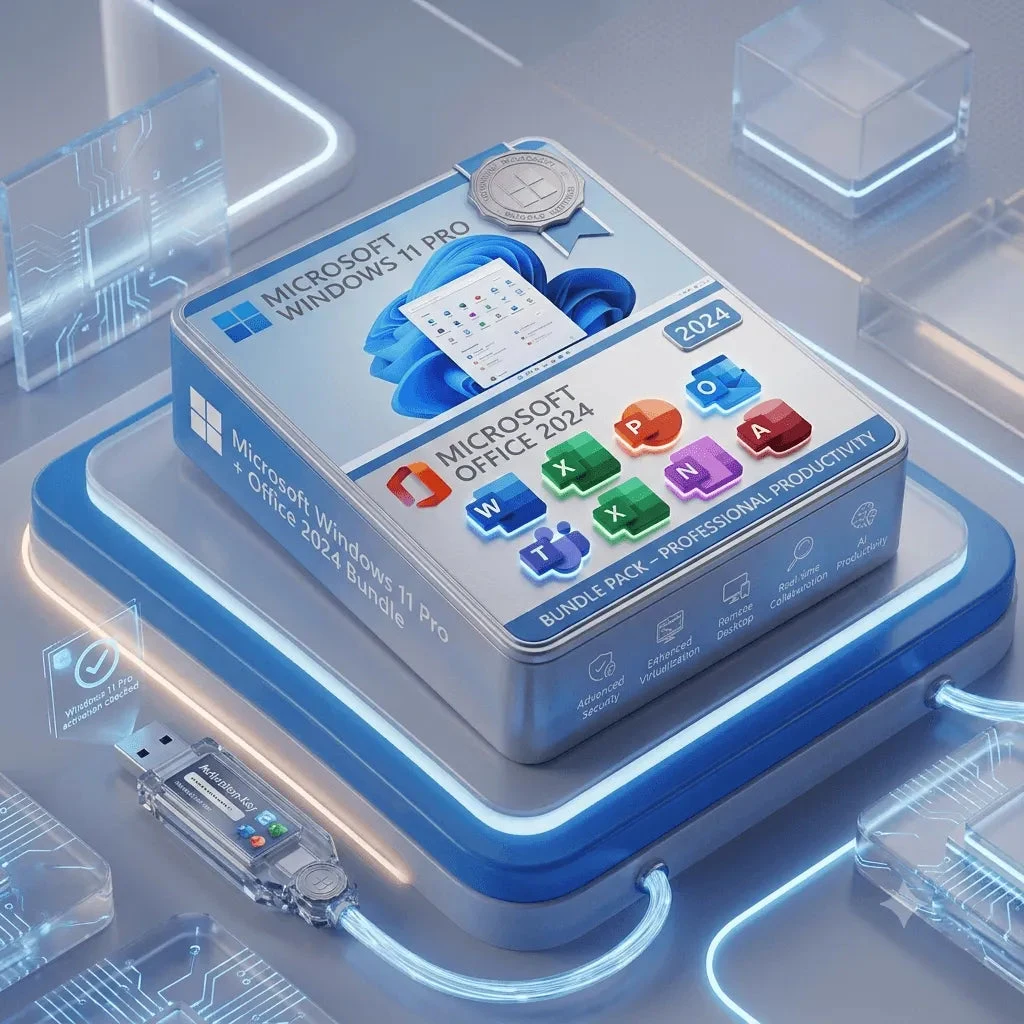
Windows 11 Pro + Office Professional Plus 2024
One work PC needing Pro features and Access
1 PC · Windows + OfficeView current price at store
Check the current listing for stockView Windows 11 Pro + Office Professional Plus 2024Common questions
Is Windows 11 Pro automatically faster for gaming?
Pro is selected for its additional work and management features. The finder does not recommend it solely as a gaming performance upgrade. Choose based on the features you need and check your hardware separately.
Should I buy a full Pro license or a Home-to-Pro upgrade?
An activated Windows 11 Home PC can use an appropriate edition upgrade. A new or unlicensed PC needs a qualifying full license. Check Settings → System → Activation first.
Does Windows include Microsoft Office?
Windows and Office are separate products. A bundle can include both, but a Windows-only listing does not by itself supply Word, Excel or Outlook.
Sources and scope
Feature and licensing facts were checked against these Microsoft references. Product availability, price and fulfillment are supplied by SoftwareKeep. The finder uses product rules and your answers; it does not inspect your device or existing license rights.